
Wok · My work3 min read
Find and reuse your work
Keep selected results together, search them and export the material you need.
Use it for
- Keep approved announcements and letters
- Build a collection of lesson notes
- Find a script you want to read aloud again
Inside the app Enlarge
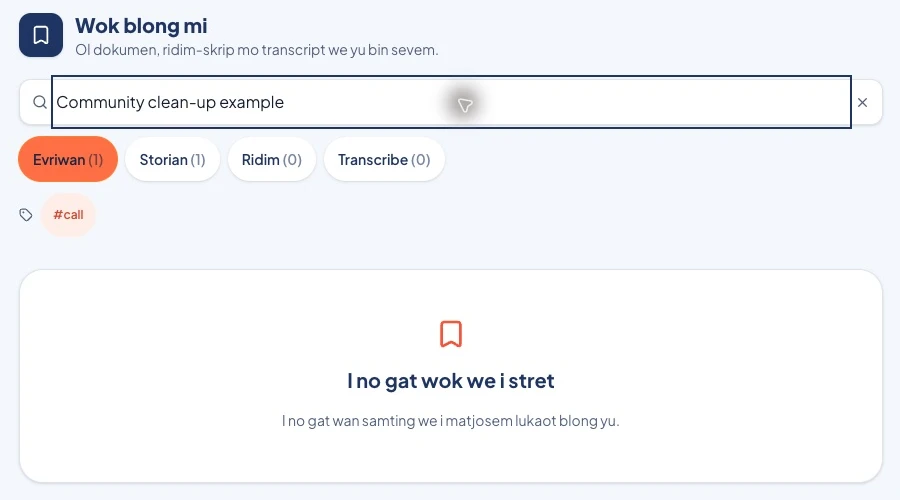
- 1Save to Wok: keep a useful result
- 2Search and filters: find it again
- 3Open item: copy, rename, tag or export
How to use it
- 1
Save a useful result
Use Save / Save to Wok on a supported result. Sign in so the saved item belongs to your account.
- 2
Find it again
Open Wok / My work. Search by title or content, filter by tool and use tags to narrow the list.
- 3
Organise or export
Open an item to read, copy, rename or manage tags. Use PDF or Word where offered. Library export can collect the currently shown items.
Good to know
- Chat history stores conversations. Wok stores the specific results you chose to save.
- Deleting an item needs care: download anything you want to keep first.
- Audio downloads are separate from saved script text.